01 · SAVE
Hit the shortcut.
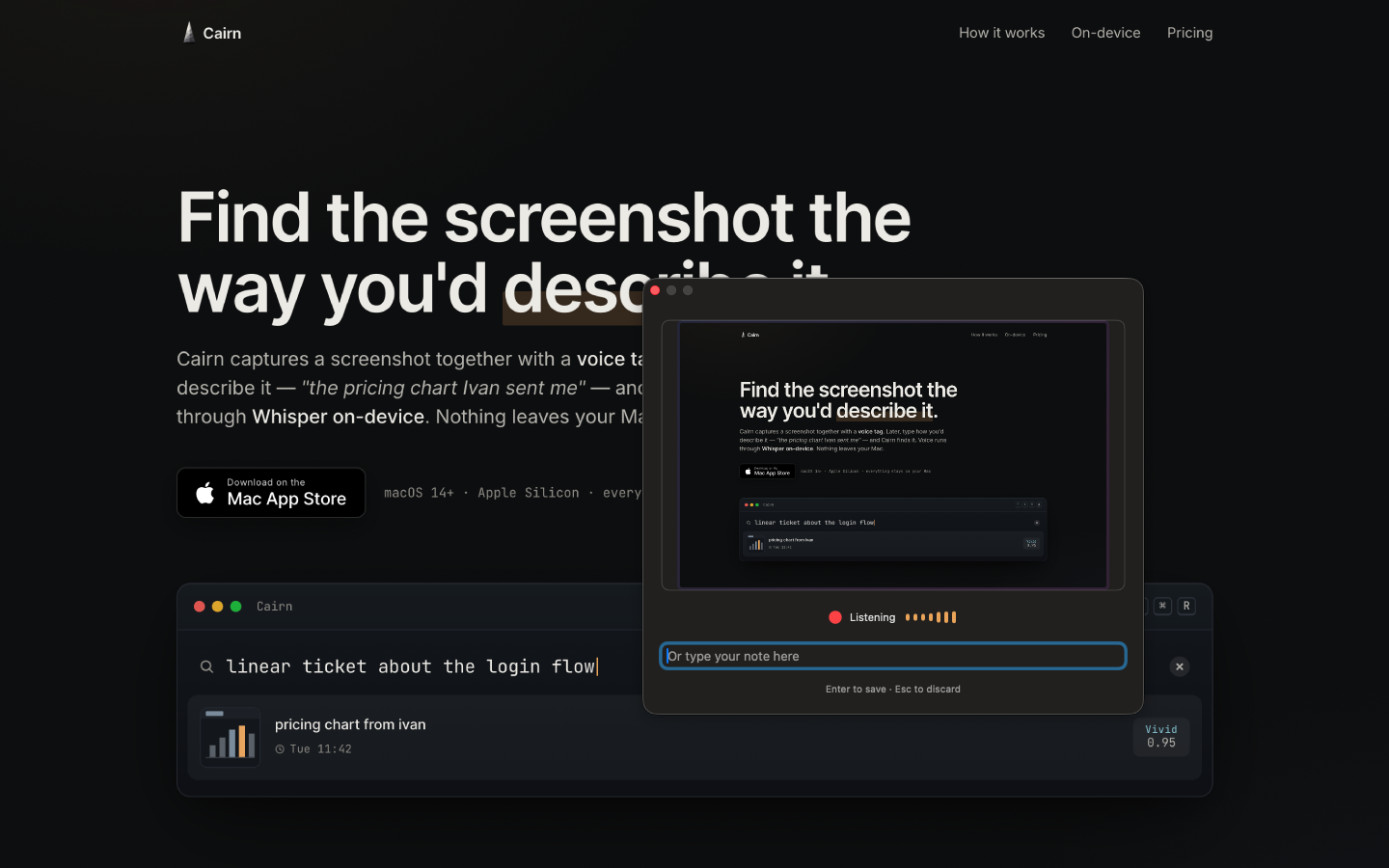
Cairn saves the screenshot, runs OCR on what's visible, and starts listening — all in one move. No app to open, no window to focus.
⌃+
⌥+
⌘+
R
Cairn is a private screenshot search app for Mac. Capture a ticket, chart, thread, design, receipt, error, or idea as a searchable visual bookmark. Add a quick voice or text note, then find it later by what you remember. Everything stays on your Mac.
The thing you need later is the chart Ivan sent, the exact error state, the Linear ticket, the Figma idea, the Slack decision, the invoice, or the UI you liked. Cairn saves those moments as searchable visual bookmarks.
Screenshot 2026-05-18 at 14.22.07.png812 KBScreenshot 2026-05-18 at 14.31.49.png1.1 MBScreenshot 2026-05-15 at 09.14.02.png644 KBScreenshot 2026-05-13 at 11.42.13.png901 KBScreenshot 2026-05-12 at 17.05.58.png733 KB1,279 more files—Now find the one with the chart Ivan sent on Tuesday.
One shortcut. A quick voice or text note. A screenshot search bar that understands the way you actually talk about things.
Cairn saves the screenshot, runs OCR on what's visible, and starts listening — all in one move. No app to open, no window to focus.
Say it out loud. "Pricing chart from Ivan." Cairn transcribes it on-device and stores it next to the image. Don't feel like talking? Type it in the same field.
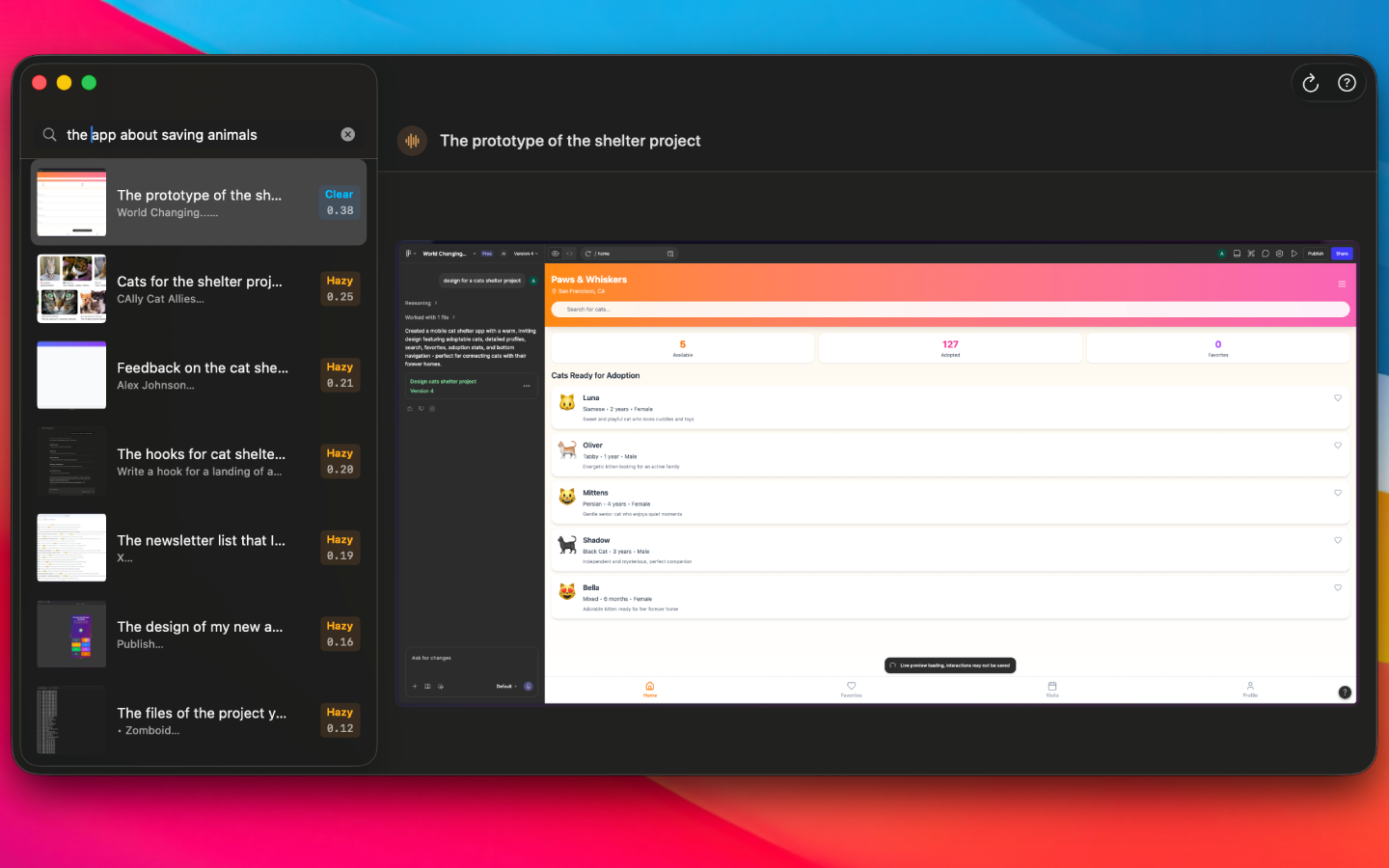
You don't have to remember your exact words. Cairn matches on meaning, not on string equality — across your tag, the on-screen text, and the app where you saved the moment. Said "pricing chart from ivan"? Searching "that revenue chart Ivan flagged" still finds it. Misspellings are fine. Phrasing is fine. Yesterday is fine. Last quarter is fine.
A small floater for naming what just happened. A clean viewer for browsing and searching those moments later.
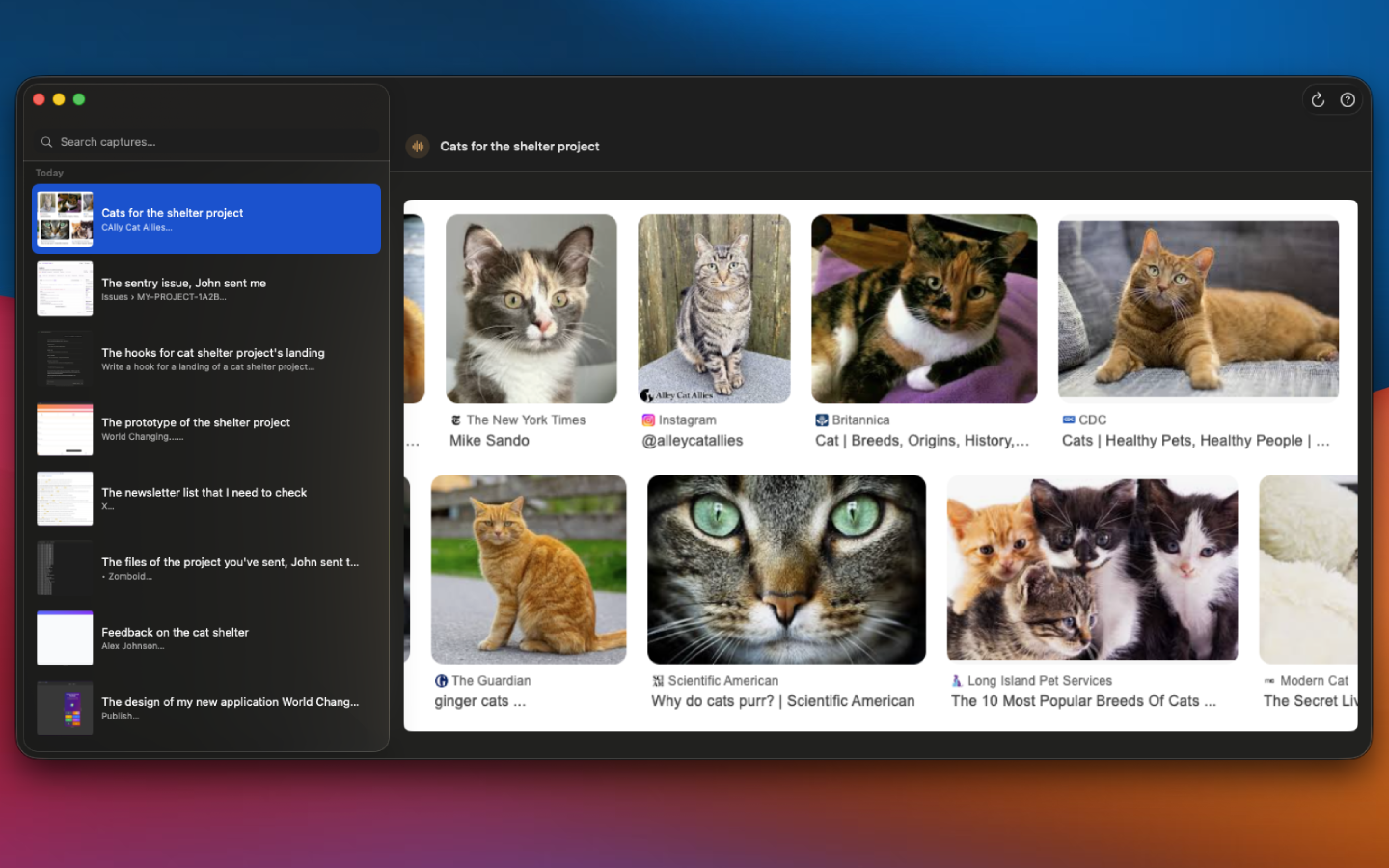
So don't. The same shortcut takes voice or text — whatever the moment is for. Open-plan office, headphones in, AirPods in a meeting, kid asleep in the next room. Cairn doesn't care which mode you used; the tag is the tag.
No Cairn account. No cloud sync. No Cairn-uploaded telemetry in the current App Store version. The app runs inside the macOS sandbox and writes to its own container.
AI outputs are model-generated and can be inaccurate. See the Privacy Policy for details.
Requires macOS 14 Sonoma or later. Apple Silicon.